One widget to rule them all!
Plus, a color picking tool and a nerdy game

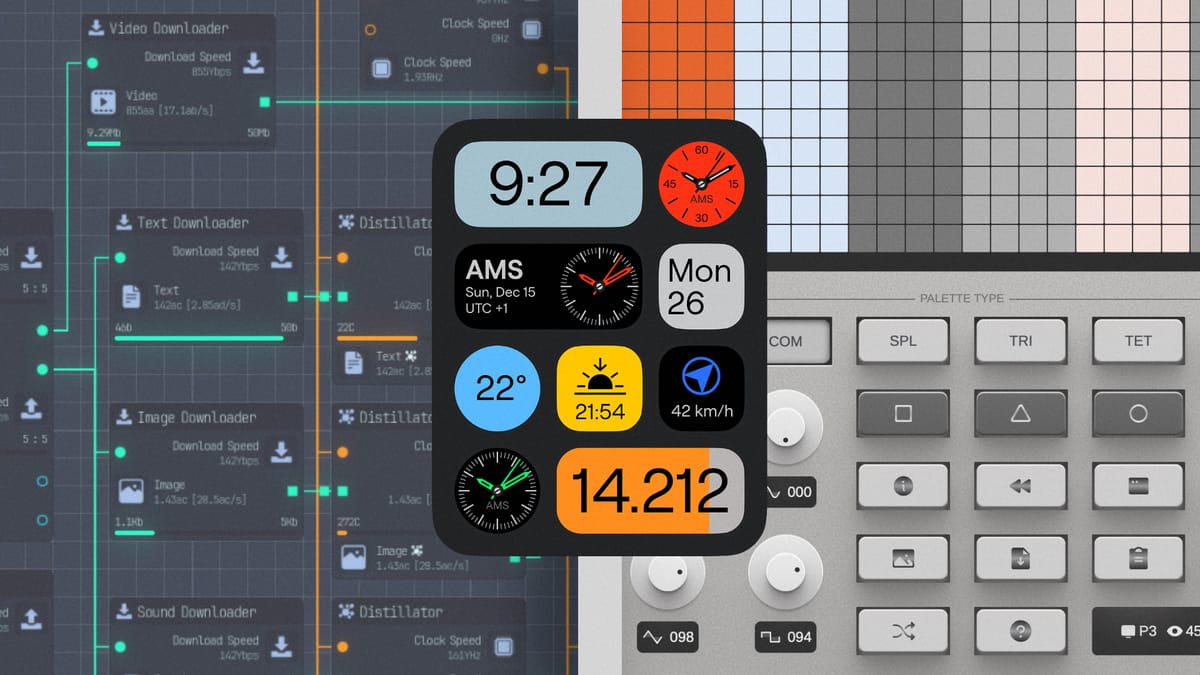
There are only a few more weeks left in the year which means it's the perfect time to start setting some unrealistic expectations for 2026! I already have a few that I'm working on. For one, I want to play more video games. I used to have a healthy balance of games + life but I have really fallen off these last few years and I want to get back into it. I also want to publish my first app to the Play Store, which means I have a lot to learn. Not only when it comes to code but also just UI design in general. Luckily, all three recommendations today are already helping me achieve my 2026 goals. All I need now is a Pinterest mood board and I'll be unstoppable.
in this issue:
🎮 Upload Labs
🎨 Color Palette Pro
🟧 Timedash Widgets
Upload Labs
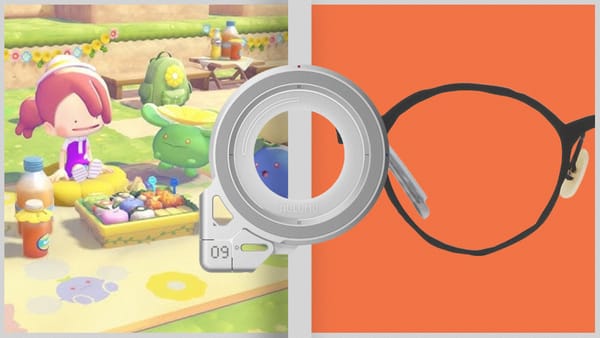
I spent a lot of time on trains this last week. I mean, more than usual. And on one of those trips my sister pulled out her phone to play a few games while I started blankly at the floor. It made me realize I don't have a single game installed on my phone (besides Wordle). So I went to the Play Store to download a game that I could play offline. That's where I found Upload Labs. I'm obsessed. Even as I type this I have the game open on my desk just collecting resources. It's a nerdy resource management game where you cos-play as an omnipotent system architect.
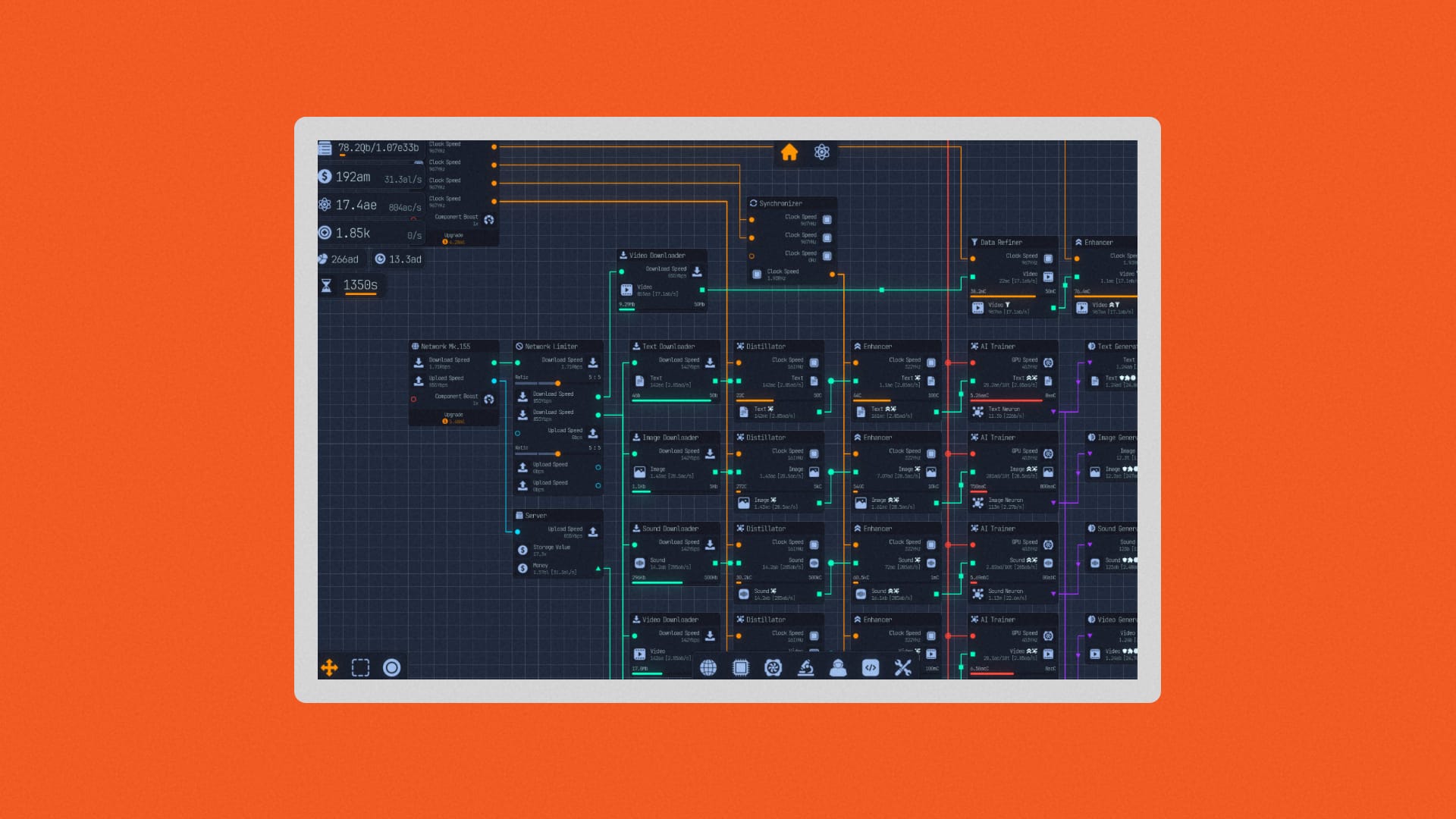
Instead of building a forge so that the town blacksmith can make iron which you can then turn into weapons to defend a castle against invaders (they usually go something like that, right?) you need to manage multiple nodes in a computer. You can then sell your processing power for money to upgrade your download speeds or increase your GPU clock speed or add an anti-virus program or a ton of other things. It's a giant nerdy puzzle game that I can't put down. I got it from the Play Store but you can also get it on the App Store or Steam.
Color Palette Pro
There is no shortage of online tools to help you choose colors for your next project. A classic is the Adobe Color theme creator but there is also a decent palette generator from Figma. Lately, I've just been skipping this step entirely and doom scrolling Color Hunt until I find a palette someone else made that fits what I'm looking for. Picking a color has always been a task to complete in whatever new project I'm working on, not a fun side quest. That isn't the case with Color Palette Pro.
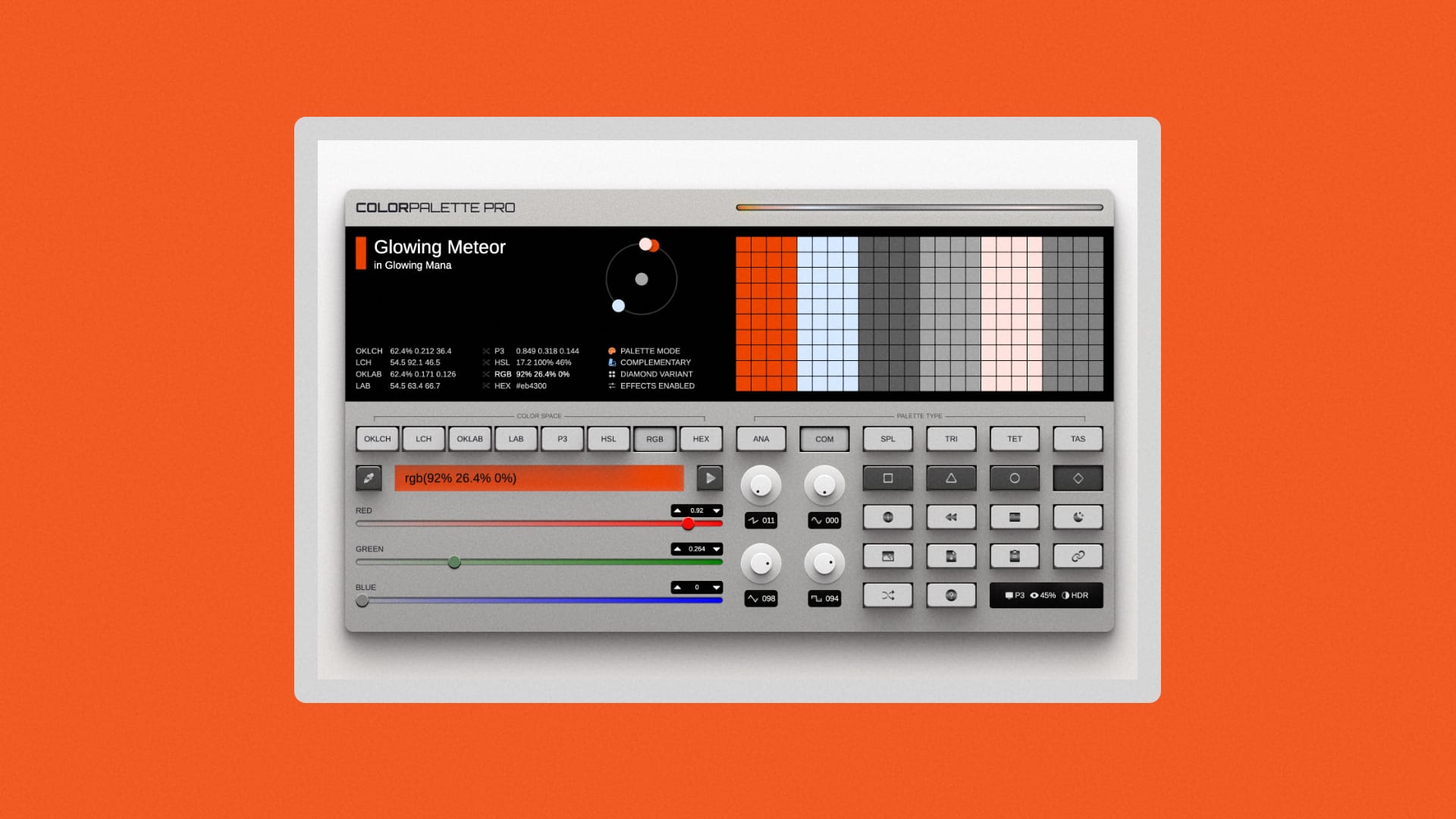
Color Palette Pro is a palette generator website but the UI is styled like a synthesizer. I've been having so much fun just clicking buttons and seeing what happens. Part of what I don't like about the other color generators I mentioned is that you kind of need to understand color theory. If you only know the basics like I do, they can be intimidating. They don't invite you to mess around and see what happy accidents occur. In the case of Color Palette Pro I've just been clicking buttons and changing values to my heart's content. Sure, not every palette I make is a winner but some of them aren't bad. And I'm actually having fun doing it. Even if you're not a designer or developer I think this is a good tool to keep in your back pocket.
Timedash Widgets
Speaking of beautiful color palettes, Timedash Widgets is another one of those apps that make me want to switch back to iOS just for the ✨ a e s t h e t i c s ✨. I would describe the overall vibe of these widgets like if NothingOS had a baby with Material 3 Expressive and then raised that baby to be an iPhone. The available widgets are pretty much what you expect. You get the weather, step count, sunrise/sunset, UV index, and everything in between. But what makes Timedash so useful is that you can customize which bits of information you want to appear in the widget. So instead of having an entire screen of dedicated widgets you can create a single one that displays everything you care about.
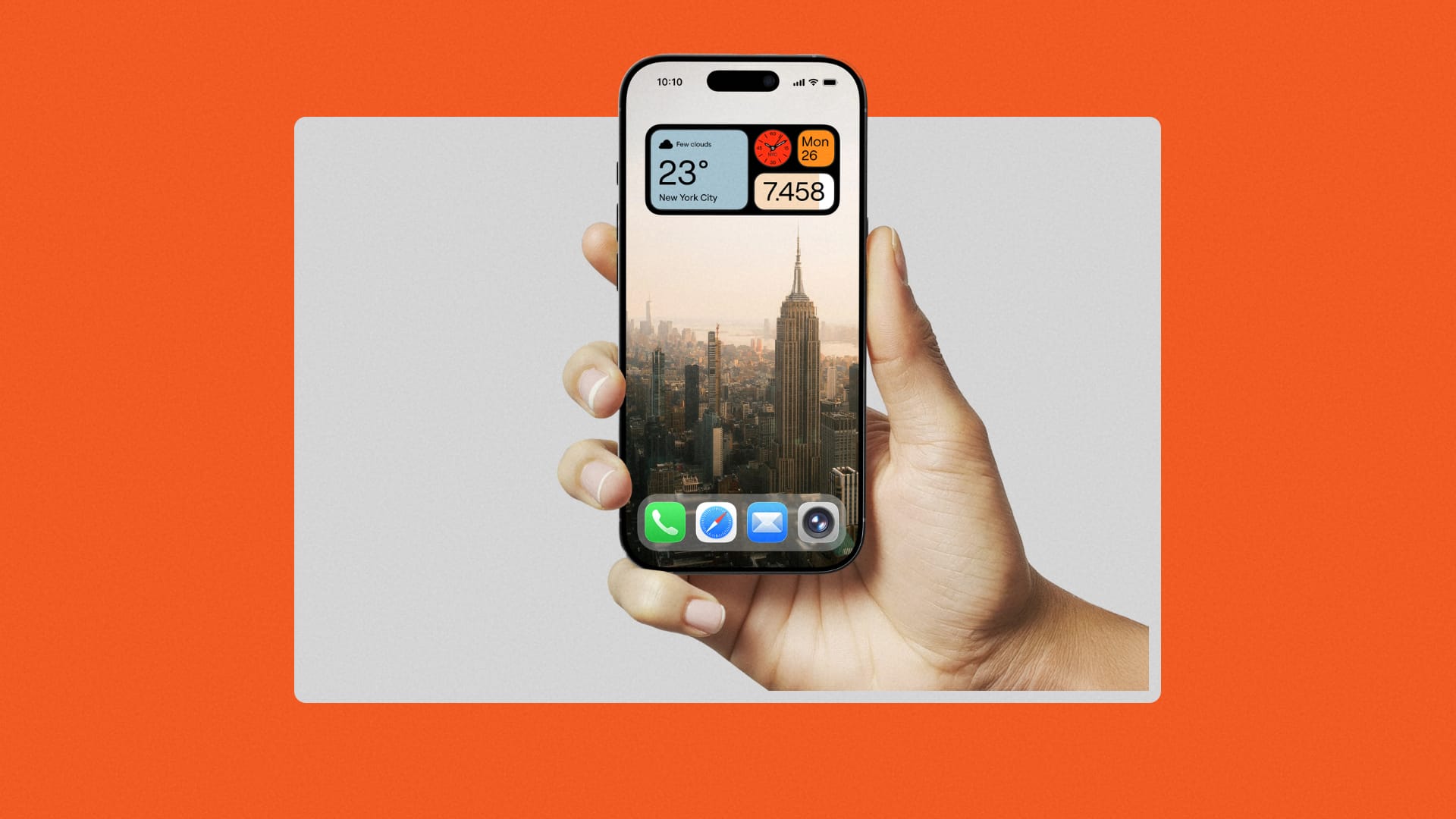
I'm a big fan of the Nothing design team and one of the main reasons I'm still rocking a Pixel phone is because of Material 3 Expressive. But if I was on iOS this would be an instant cop for me. Hopefully the developer will bring this app to Android but history tells me that's not going to happen. So I'm probably going to spend my entire commute to work later trying to recreate some of these widgets in KWGT.
🆒 Special thanks to Cool Supply members! 🆒 Abstronautica, Taylor Cash, Ben Sorensen, Daniel Hernandez, Becca Farsace, Charles Malave, Dean D, Jacob Mitchell, Justin Oster, Jonathan Potopovich, Ali Rabbani, Airton Zanon, and Ben Murphy! ❤️